prasanthc41m / blog
A blog from prasanthk.com
★ 0 stars
⑂ 0 forks
👁 0 watching
⚖️ The Unlicense
📥 Clone
https://github.com/prasanthc41m/blog.git

📂 main
View all commits →
📄 README.md
Installation
Just fork this repository and adjust the _config.yml to use with Github Pages and your page is done.
Features
- supports dark mode on macOS Mojave
- optional sidebar
- MathJax support
- no external ressources
- included archive page
- supports pagination
- feed generation
- responsive
- syntax highlighting
Based on
Installation (jekyll-remote-theme method)
You can use this theme with the jekyll-remote-theme plugin. Just create an empty repo, copy over the index.html file and add this to your _config.yml:
remote_theme: niklasbuschmann/contrast@v2.11

plugins:
  - jekyll-remote-theme
Note: to enable icons you also need to copy over the _data folder.
Config
Your _config.yml could for example look like this:
title: "Blog Title"
author: "Blog Author"
description: "My personal blog about ... something"
permalink: /:title/
lang: "en"
excerpt_separator: "\n\n\n"
date_format: "%B %d, %Y"

# Layout

show_excerpts: true        # show article excerpts on the home page
show_frame: true           # adds a gray frame to the site
show_sidebar: false        # show a sidebar instead of the usual header

# Menu

navigation:                # accepts {file, title, url, icon, sidebaricon}
  - {file: "index.html"}
  - {file: "README.md"}

external:                  # shows a footer with social links - for available icons see fontawesome.com/icons
  - {title: Mail, icon: envelope, url: "mailto:niklasbuschmann@users.noreply.github.com"}
  - {title: Github, icon: github, url: "https://github.com/niklasbuschmann/contrast"}
  - {title: Subscribe, icon: rss, url: "/feed.xml"}

comments:
#  disqus_shortname: ""    # see https://disqus.com/
#  isso_domain: ""         # see https://posativ.org/isso/

plugins:
 - jekyll-feed
MathJax
Contrast comes preinstalled with a leightweight alternative to MathJax called KaTeX. To display equations in a post simply set mathjax: true in the article's front matter.
License
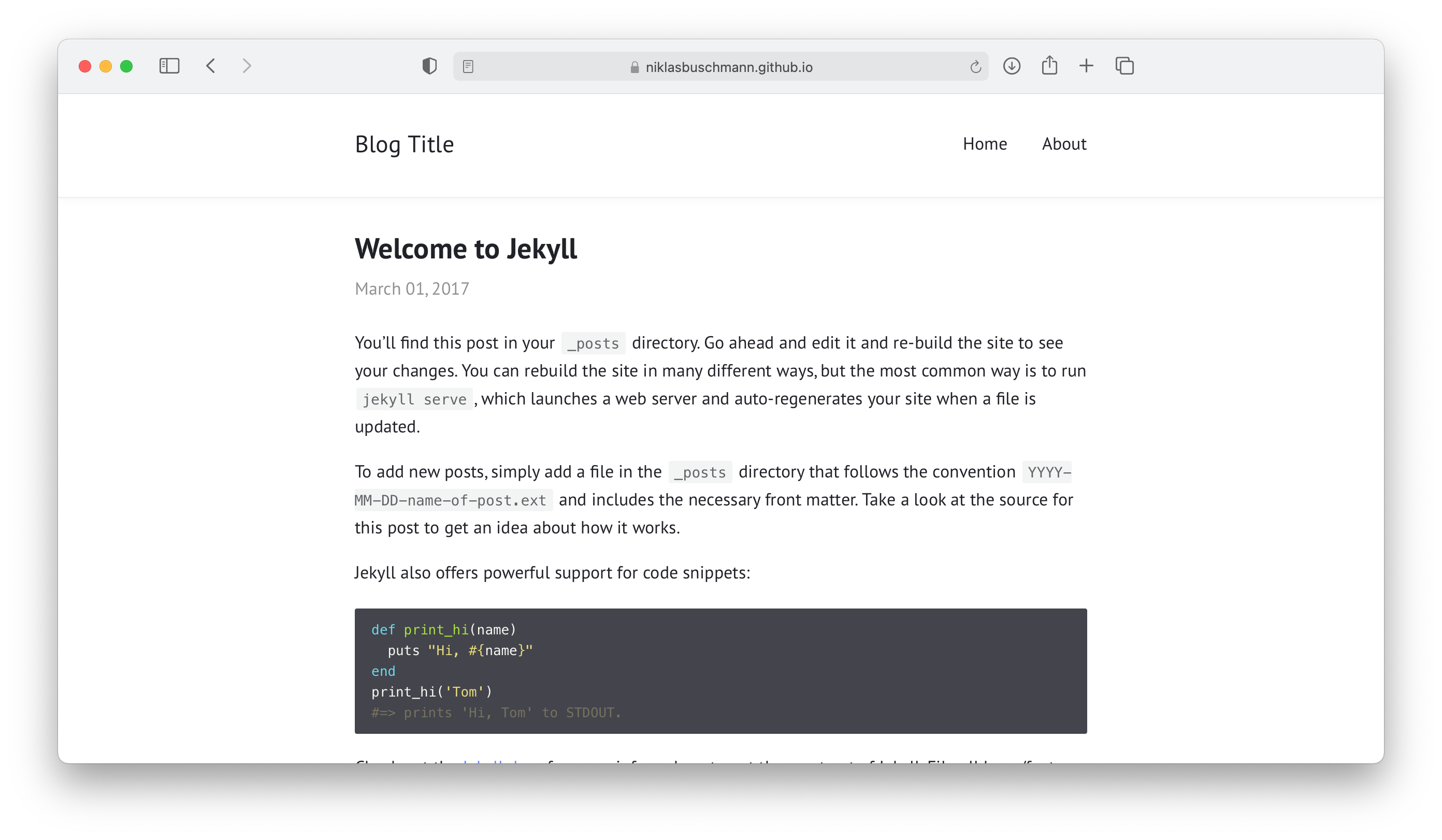
Screenshots