dockur / samba
Samba SMB server in a Docker container.
📥 Clone
https://github.com/dockur/samba.git
![dependabot[bot]](https://avatars.githubusercontent.com/in/29110?v=4)

[![Build]][build_url] [![Version]][tag_url] [![Size]][tag_url] [![Package]][pkg_url] [![Pulls]][hub_url]
Docker container of Samba, an implementation of the Windows SMB networking protocol.
Usage 🐳
Via Docker Compose:
services:
  samba:
    image: dockurr/samba
    container_name: samba
    environment:
      NAME: "Data"
      USER: "samba"
      PASS: "secret"
    ports:
      - 445:445
    volumes:
      - ./samba:/storage
    restart: always
Via Docker CLI:
docker run -it --rm --name samba -p 445:445 -e "NAME=Data" -e "USER=samba" -e "PASS=secret" -v "${PWD:-.}/samba:/storage" docker.io/dockurr/sambaConfiguration ⚙️
How do I choose the location of the shared folder?
To change the location of the shared folder, include the following bind mount in your compose file:
volumes:
  - ./samba:/storage
Replace the example path ./samba with the desired folder or named volume.
How do I modify the display name of the shared folder?
You can change the display name of the shared folder by adding the following environment variable:
environment:
  NAME: "Data"
How do I connect to the shared folder?
To connect to the shared folder enter: \\192.168.0.2\Data in Windows Explorer.
[!NOTE]
Replace the example IP address above with that of your host.
How do I modify the default credentials?
You can set the USER and PASS environment variables to modify the credentials from their default values: user samba with password secret.
environment:
  USER: "samba"
  PASS: "secret"
How do I modify the permissions?
You can set UID and GID environment variables to change the user and group ID.
environment:
  UID: "1002"
  GID: "1005"
To mark the share as read-only, add the variable RW: "false".
How do I modify other settings?
If you need more advanced features, you can completely override the default configuration by modifying the smb.conf file in this repo, and binding your custom config to the container like this:
volumes:
  - ./smb.conf:/etc/samba/smb.conf
How do I configure multiple users?
If you want to configure multiple users, you can bind the users.conf file to the container as follows:
volumes:
  - ./users.conf:/etc/samba/users.conf
Each line inside that file contains a : separated list of attributes describing the user to be created.
username:UID:groupname:GID:password:homedir
where:
usernameThe textual name of the user.UIDThe numerical id of the user.groupnameThe textual name of the primary user group.GIDThe numerical id of the primary user group.passwordThe clear text password of the user. The password can not contain:,\nor\r.homedirOptional field for setting the home directory of the user.
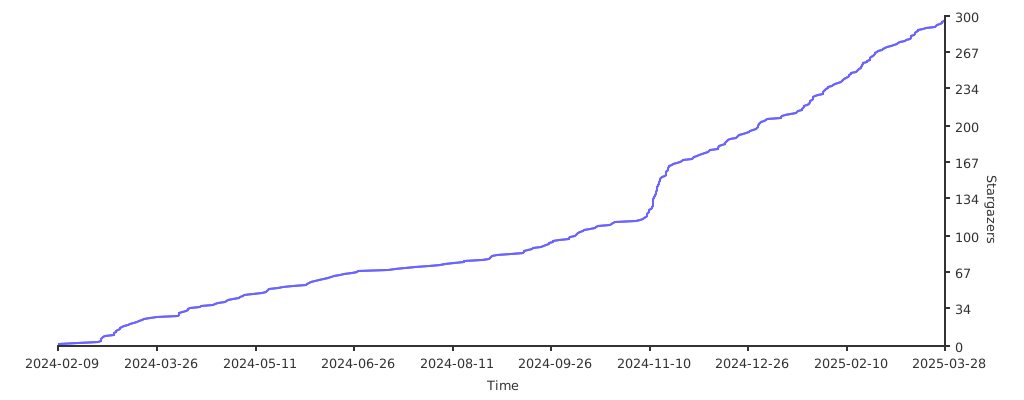
Stars 🌟