1
2
3
4
5
6
7
8
9
10
11
12
13
14
15
16
17
18
19
20
21
22
23
24
25
26
27
28
29
30
31
32
33
34
35
36
37
38
39
40
41
42
43
44
45
46
47
48
49
50
51
52
53
54
55
56
57
58
59
60
61
62
63
64
65
66
67
68
69
70
71
72
73
74
75
76
77
78
79
80
81
82
83
84
85
86
87
88
89
90
91
92
93
94
95
96
97
98
99
100
101
102
103
104
105
106
107
108
109
110
111
112
113
114
115
116
117
118
119
120
121
122# cap - AI powered subtitling
This project converts a JSON speech-to-text file to a fully functional SRT
subtitle file. This SRT file consists of caption groups with if needed, line
breaks according to the [subtitle guidelines of the
BBC](https://bbc.github.io/subtitle-guidelines/#Break-at-natural-points).
## Table of Contents
- [Features](#features)
- [Badges](#badges)
- [Preview](#preview)
- [Installation](#installation)
- [How to run](#how_to_run)
- [Overview functionality](#overview_functionality)
- [Support](#support)
## Features
This project mainly generates proper formatted caption groups given a
transcript with word-timing. It implements the following rules from the BBC
guide mentioned above:
- Part-of-Speech tags
- Punctuation
- Gaps in speech
- Character limit (< 84)
- Line limit (< 42)
- Characters per second
- Adding line breaks
- Complex verb phrases
## Badges



## Preview
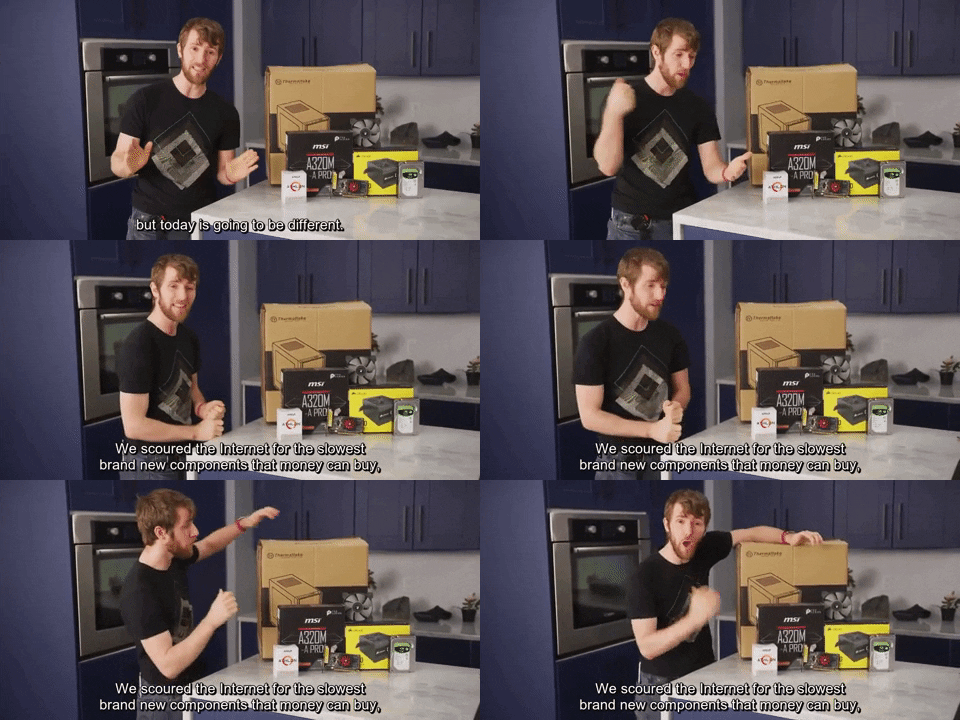
## Installation
1. [Clone](https://bit.ly/2BcAdRs) this repository.
2. Install the package:
```shell
$ pip3 install -e cap
```
## How to use
In your shell, run the following:
```shell
$ cap <asr-file> --output <srt-file>
```
For more options, run `$ cap -h`.
Or use this module in Python:
```python
>>> import cap
>>> subs = cap.group('asr/sample01.asrOutput.json', 'srt-file.srt')
>>>
>>> # let's see the first caption group in Python:
>>> print(*subs[0], sep='\n')
Word(text='thanks', start=0.24, end=0.51, weight=5)
Word(text='to', start=0.51, end=0.6, weight=5)
Word(text='last', start=0.6, end=0.86, weight=5)
Word(text='past', start=0.86, end=1.13, weight=5.64)
Word(text='for\n', start=1.13, end=1.2, weight=5.96)
Word(text='sponsoring', start=1.2, end=1.63, weight=5.96)
Word(text='a', start=1.63, end=1.69, weight=5.34)
Word(text='portion', start=1.69, end=2.02, weight=5)
Word(text='of', start=2.02, end=2.12, weight=4.6)
Word(text='this', start=2.12, end=2.31, weight=4.7)
Word(text='video', start=2.31, end=2.75, weight=5)
Punc(text='.', start=2.75, end=2.75, weight=5.95)
>>>
>>> # and let's see the first caption group in the srt file:
>>> with open('srt-file.srt', 'r') as f:
>>> content = f.read().split('\n\n')[0]
>>> print(content)
1
00:00:00,240 --> 00:00:02,750
thanks to last past for
sponsoring a portion of this video.
```
## Development
Documentation can be found at [Github Pages](yochem.github.io/caps/).
To install the needed packages for development, run this:
```shell
$ pip3 install -e cap[dev]
```
Also make sure [editorconfig](editorconfig.org/) is installed in your editor
of choice.
When pushing code, first run `$ make check` to lint your code and `$ make doc`
to create the docs.
## Support
Found a bug? Got a question? Please report it using Github
[issues](https://github.com/yochem/effect.ai/issues)!